whatshot.lıve
For Whatnot sellers
Give your products
a better shot.
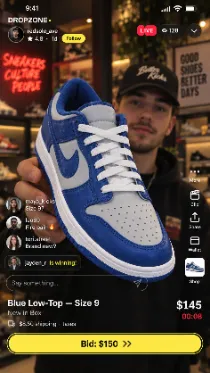
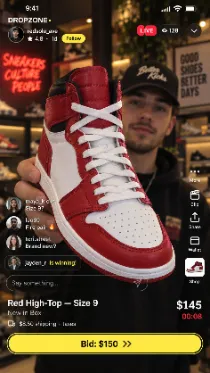
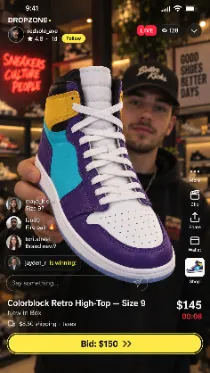
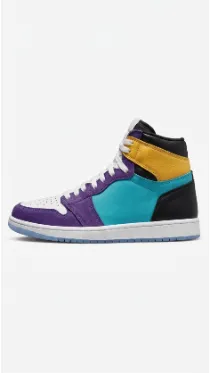
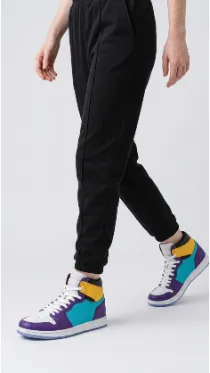
Add our extension to see your past Whatnot shows. Pick one, and we’ll turn the products you featured into e-commerce-ready listings — giving unsold items a second chance.
How it works
Four steps from a live show to a listing
1
Install the extension
One click from the store. It sits in your browser and only wakes up on Whatnot.
w
whatshot.lıve
Add the extension
Adding…
Added
2
Pick your show
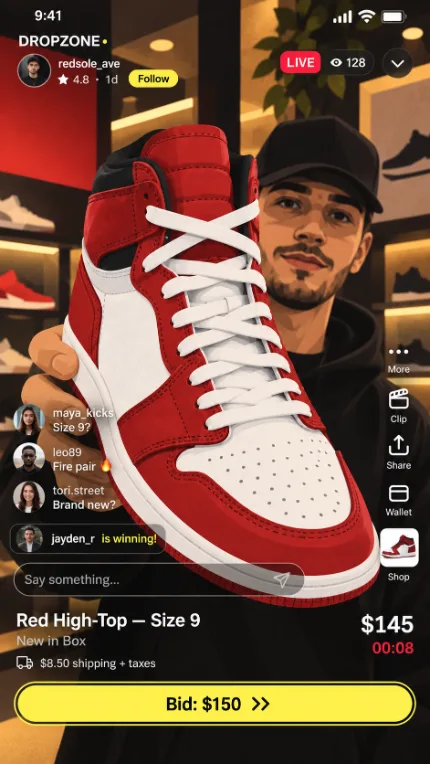
A panel opens with every video pulled from your Whatnot account. Choose the one you want — nothing to upload, nothing to paste.
Loading your Whatnot recordings…
3
We find every product
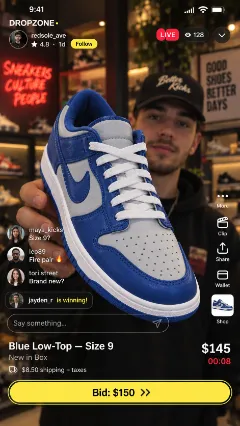
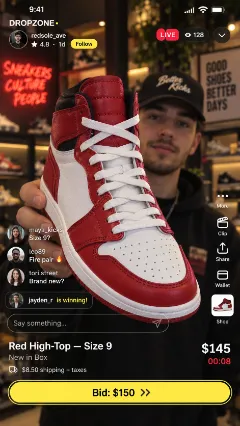
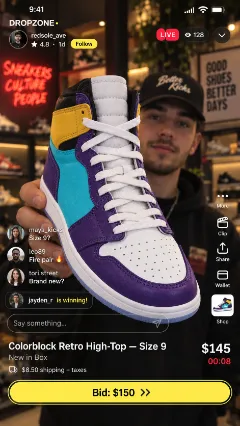
Our AI watches the whole stream, identifies the products shown, and exports each one as its own image.
000102030405
0%25%50%75%100%
4
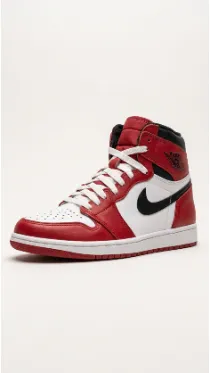
Design them in Batch
Backgrounds off, studio backdrop on, the whole set in one pass — then straight to your store and your listing.